
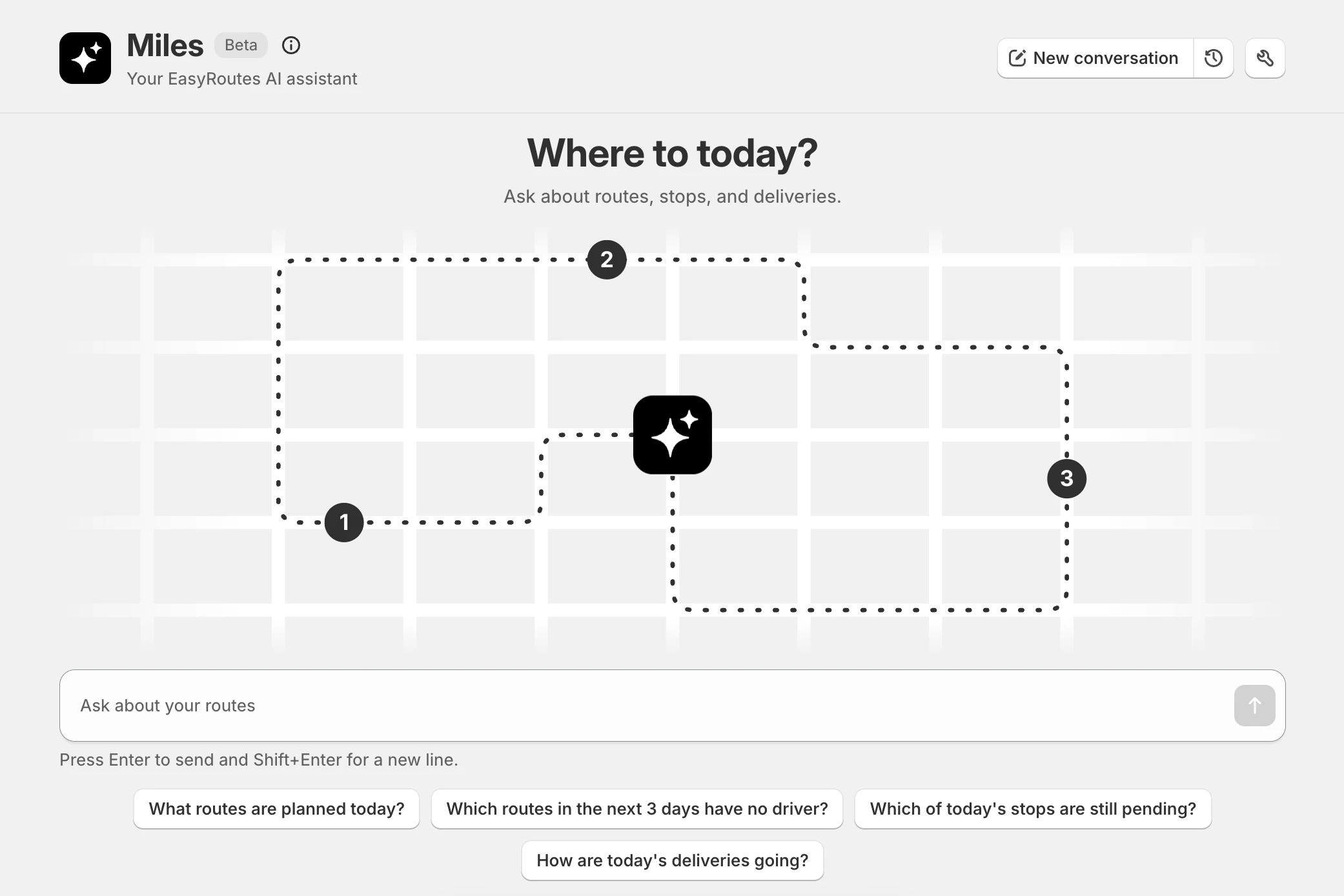
We’ve launched Miles, the AI assistant built directly into EasyRoutes. Ask Miles about your routes, stops and drivers in plain English, and it answers from your own delivery records, with no setup required. With Miles, users can:
- Check on the day: ask what’s planned, which routes have no driver, which stops are still pending and how deliveries are going.
- Find an order: look up a stop on a route by customer name, company, address, order number, phone or email, and see its route, status and ETA.
- See what went wrong: ask what failed yesterday and why, from the reasons and notes your drivers recorded when marking a stop attempted, and whether a stop has a photo or signature.
- Read the details: see what’s in an order, any order and customer notes, and the notes your drivers left this week.
- Look up drivers: find a driver’s phone number, or who’s active on your team.
- Draft from the record: have Miles write a dispatch briefing, a customer update or a delivery summary, using only what your routes show. Ask for a draft shorter, friendlier or translated, then copy it to your clipboard.
Miles is included with Premium and Enterprise plans on EasyRoutes for Shopify and EasyRoutes for Web, at no extra cost. Open EasyRoutes and choose Miles from the top of the sidebar navigation menu to start.
Note: Miles finds information and drafts messages for you; you make route changes and send messages yourself. Miles is AI and can make mistakes, so check important details in EasyRoutes. Your store’s data isn’t used to train AI models.
For more on what Miles can do and what’s coming next, see Meet Miles: Your EasyRoutes AI Assistant and our Miles page. For details on what Miles can see and do, see our guide, Miles: EasyRoutes’ AI Assistant.