
Learn EasyRoutes, one lesson at a time.
Expert tips and tricks to streamline your route planning workflows, and delight customers with every delivery.
No credit card required. Cancel any time.
4.9 stars · 5,000+ businesses · 75+ countries














Start at the beginning, or jump to what you need.
 Shopify Local DeliveryEnable Local Delivery for your Shopify customers on checkout; collect and view custom delivery instructions; filter orders that match your Local Delivery settings; quickly add custom stops from outside of Shopify to your delivery routes; and take advantage of EasyRoutes' Shopify & third-party app integrations.Learn more →
 Order FiltersLearn how EasyRoutes order filters work; how to filter by postal code, delivery date or method & more; save filter views for one-click route creation; and use the Auto-add Orders tool to automate your route planning.Learn more →
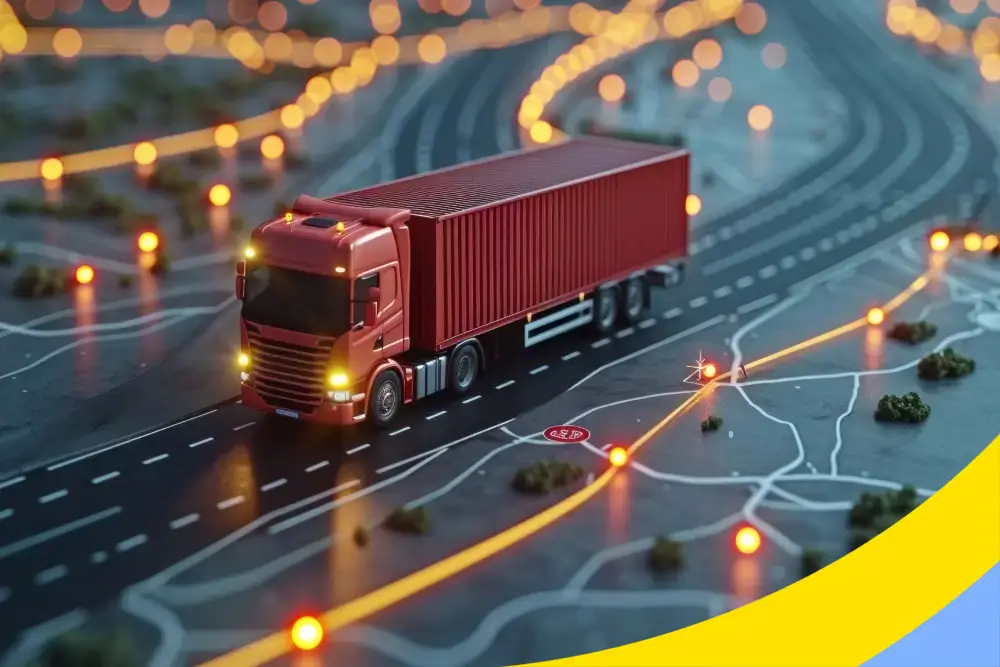 Route Optimization & Route OptionsLearn more about route optimization and how EasyRoutes works behind-the-scenes to ensure your delivery routes are as smooth and efficient as possible; plus all the details on EasyRoutes' various Route Options and how each impacts your planned delivery routes.Learn more →
 Managing Drivers & SeatsLearn how EasyRoutes driver seats work; how to add, activate, or edit your drivers; dispatch and assign routes; and how prorated billing can help support your busiest delivery periods.Learn more →
 Delivery Driver Mobile AppLearn how to configure the EasyRoutes Delivery Driver mobile app; how to use the app to navigate, deliver stops, and access route inventories; and how to maximize customer satisfaction with Proof of Delivery features.Learn more →
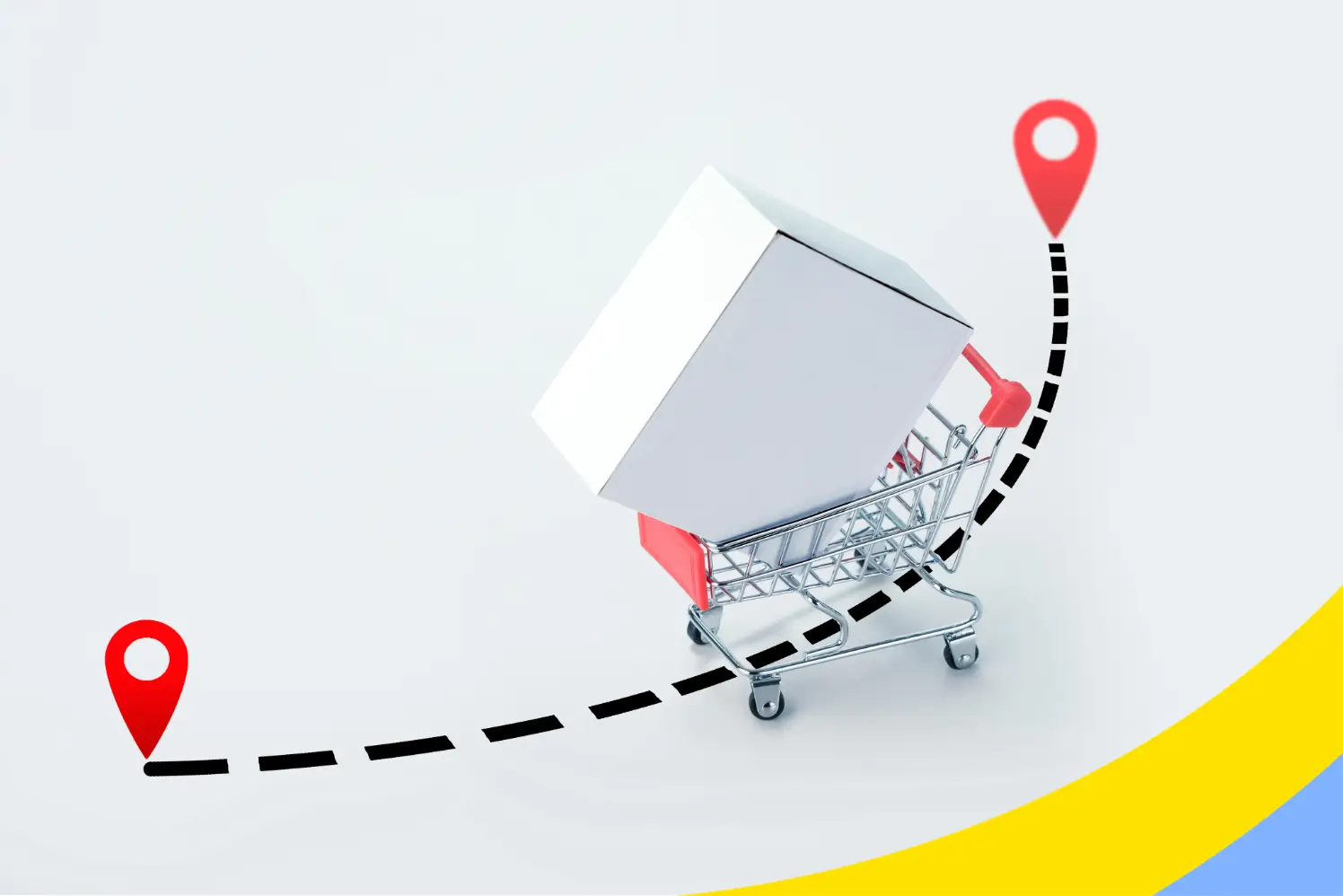 Customer CommunicationsLearn how EasyRoutes automates customer communications; how to customize and print packing materials; provide delivery ETAs & time windows; and how to keep customers informed in real-time with notifications, tracking pages, and Proof of Delivery.Learn more →
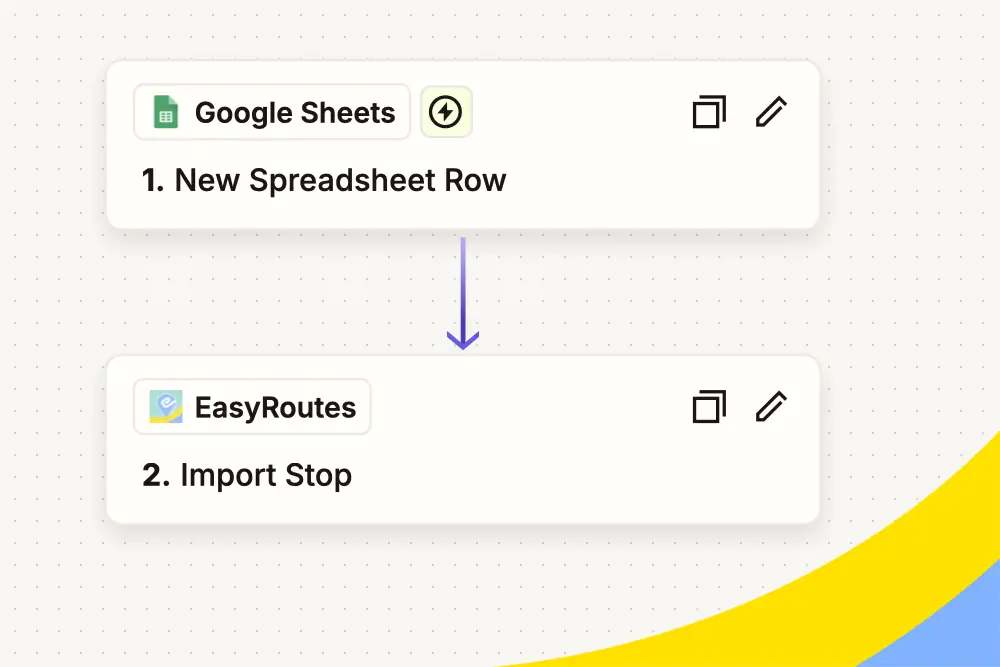 Get Started with ZapierDiscover how EasyRoutes' Zapier integration unlocks no-code automations for your delivery operations, including automated order imports, delivery status-based internal team notifications, external tool sync, and more.Learn more →
 Get Started with the APIGet your API keys, import stops, and create and dispatch routes from your own code. Then connect your order system, warehouse tools or reporting with webhooks, so they hear about every delivery as it happens.Learn more →
No matches. Try a different word.