
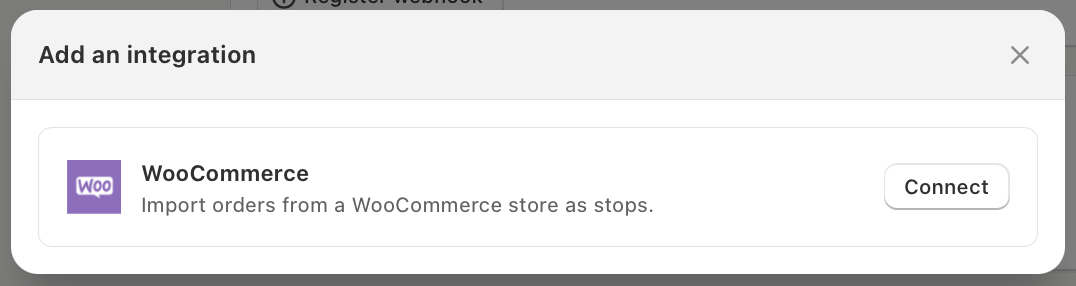
We’ve launched a new WooCommerce integration for EasyRoutes for Web. Until now, getting WooCommerce orders into EasyRoutes meant exporting a CSV, setting up a Zap, or building on the EasyRoutes API. Now you can connect your WooCommerce store directly, and EasyRoutes keeps your stops and orders in sync automatically. With the integration, users can:
- Import orders automatically: new and updated WooCommerce orders become stops in EasyRoutes, complete with the shipping address, customer contact details, customer note and line items.
- Choose which orders to import: select which order statuses become stops, such as only Processing orders, so unpaid or cancelled orders stay off your routes.
- Import existing orders: bring in orders created in the last 30, 60 or 90 days when you connect, or at any time afterwards with Sync orders.
- Open the order in one click: each stop links straight to its order in your WooCommerce admin.
- Bring checkout details along: custom fields on the order, like a gift message or delivery slot, come into EasyRoutes as stop attributes.
- Keep WooCommerce up to date: EasyRoutes adds a private note to each order when it’s ready for delivery, out for delivery, delivered or attempted, and can mark delivered orders as Completed.
- Sync tracking and proof of delivery: customer tracking links generated when a route is marked Ready, as well as any photos, signatures and delivery notes your driver collected before marking a stop as Completed, all sync back to WooCommerce as private order notes.
- Stay in sync: changes to an order in WooCommerce update its stop in EasyRoutes, and orders moved to the Trash stay on any existing routes, marked as trashed.
- Connect multiple stores: connect up to 20 WooCommerce stores to one EasyRoutes account, each with its own settings and distinct tagging behaviour.
Setup only takes a couple of minutes: approve EasyRoutes from your WooCommerce admin, or enter a WooCommerce REST API key, then configure how order sync should function.
For step-by-step instructions and more on how the integration works, see our guide on the EasyRoutes + WooCommerce Integration.